vWorld

vWorld – Oude Doesburgseweg 89C6901 HH Zevenaar – info@vworld.nl – Kantoor: 0316-798037 – Because it’s a virtual world!

How to convert a standalone or managed Ruckus AP to unleashed

Recently I installed several Ruckus Access Points at a customer’s site. This customer has several large rooms and was in urgent need of a stable and available internet supply in all rooms.  At this customer’s site, I installed several Ruckus models managed by Ruckus Unleashed. This is a free (Cloud) service from Ruckus and works […]

Lees verder… from How to convert a standalone or managed Ruckus AP to unleashed

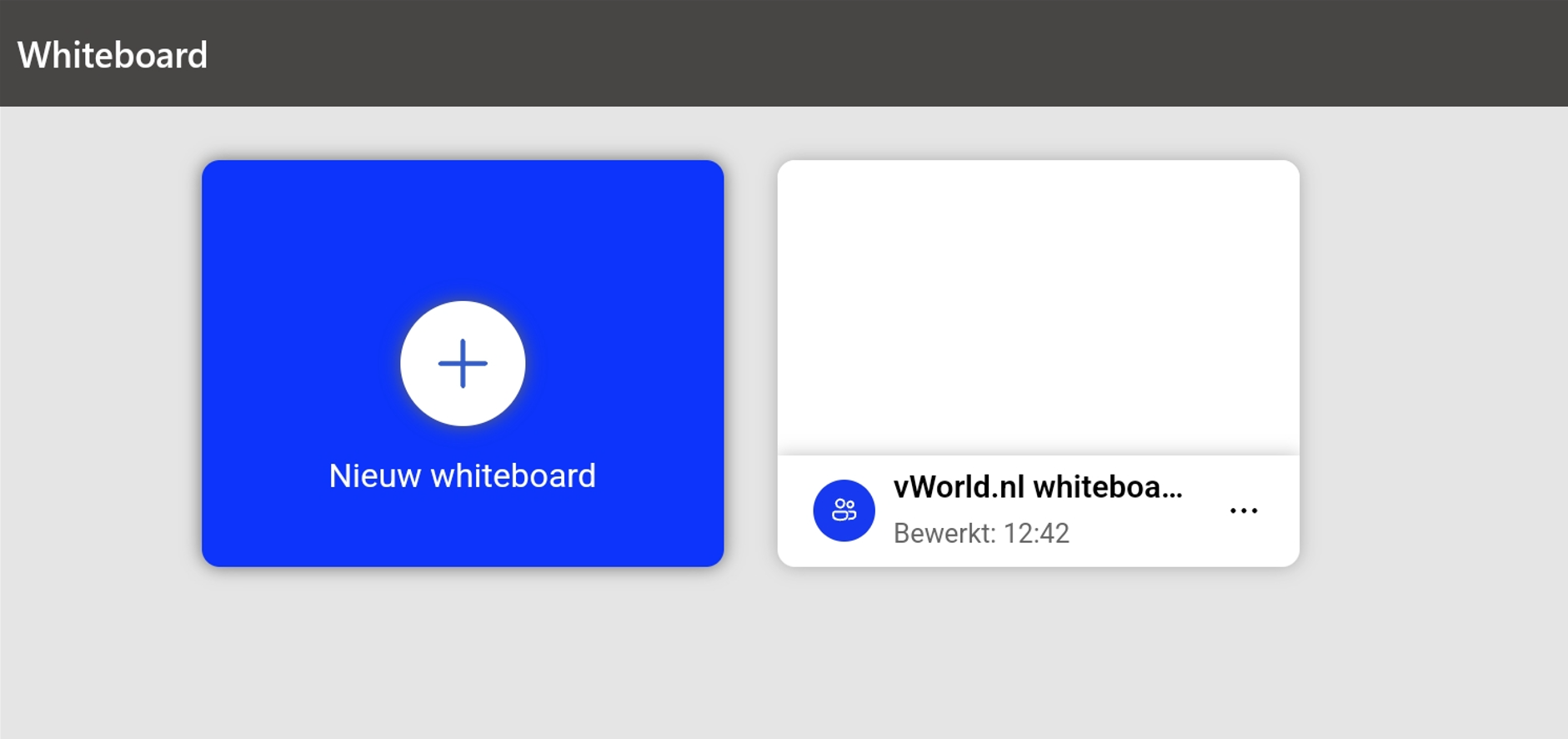
How to use your tablet as an external whiteboard for Microsoft Teams

A picture says more than a thousand words, it is often said. That’s why I usually try to draw things during presentations and meetings. Nowadays, many laptops with a touch screen (think of the Microsoft surfaces) allow you to draw perfectly. However, my laptops sit in a docking station with the screen closed, and I […]

Lees verder… from How to use your tablet as an external whiteboard for Microsoft Teams

Using Azure Keyvault secrets with ARM templates

In my previous blog post I described how to deploy an VM using DevOps, fast and simple. But ofcourse you don’t want to store secrets in parameters files! Open your parameter file and search for adminPassword. It should look something like:

  Now replace it with the following

subscrcode = the code of […]

Lees verder… from Using Azure Keyvault secrets with ARM templates

How to deploy WordPress using Azure Kubernetes Service (AKS)

As more developers work within distributed environments, tools like Kubernetes have become central to keeping application components standardized across dynamic build and production environments. With the increasing complexity of application ecosystems and the growing popularity of Kuberbetes, tools that help manage resources within Kubernetes clusters have become essential. In this blogpost, I’m usingHelm for setting […]

Lees verder… from How to deploy WordPress using Azure Kubernetes Service (AKS)

How to quickly encrypt/decrypt Azure VM disks using the portal

Some time ago Microsoft added the encryption option on the disk pane (Azure IaaS properties). Now you don’t need to use the CLI or Powershell commando’s to decrypt/encrypt your VM disks. Just go to the encryption button and the options already speak for themselves. When you already have one disk encrypted and just added an […]

Lees verder… from How to quickly encrypt/decrypt Azure VM disks using the portal

Passed AZ-400 Microsoft Certified Azure DevOps Engineer

Last week I took the AZ-400 exam and I passed succesfully. This exam counts for the Microsoft Certified Azure DevOps Engineer Expert certification track.  I found this exam quite challeging because it leans heavily on your dev experience. I’m not a very experienced developer so some topics were challeging. Nevertheless I passed the exam. When […]

Lees verder… from Passed AZ-400 Microsoft Certified Azure DevOps Engineer

PowerCLI “The Aspiring Automater’s Guide” by Altaro

If you currently use PowerCLI to automate basic tasks with pre-defined scripts, you’ll already know how powerful automation can be. However, taking the next step and customizing scripts to carry out tasks specifically designed for your needs opens a whole new world of opportunities. This new eBook from Altaro takes you there. Written by VMware […]

Lees verder… from PowerCLI “The Aspiring Automater’s Guide” by Altaro

How to use Azure State Configuration to open specific firewall ports

Azure Automation State Configuration is an Azure service that allows you to write, manage and compile PowerShell Desired State Configuration and assign them to target nodes.  Just like in an on oremise environment you can easily manage (virtual) machines running on Azure and also On Premise. Using DSC it’s possible to set an (security) baseline […]

Lees verder… from How to use Azure State Configuration to open specific firewall ports

How to force the Windows 10 May Update

After an extended period of testing in the Release Preview ring, Microsoft has finally started rolling out the May 2019 Update to Windows 10 users, albeit in a “measured and throttled” way. You might be able to get it now by going through Settings > Update & Security > Windows Update or, failing that, via the Media Creation tool. There is a very simple […]

Lees verder… from How to force the Windows 10 May Update