
I like the fact that Nakivo Backup & Replication v7 is extremely easy to use and their interface is very intuitive to use. Recently Nakivo released 7.0.1 of their Backup & Replication software. Updating the Nakivo Backup & Replication appliance is an extremely intuitive and straight forward process. I’m using the NAS appliance of NBR, so let’s take a look at how to update Nakivo Backup and Replication v7 appliance (NBR from now).
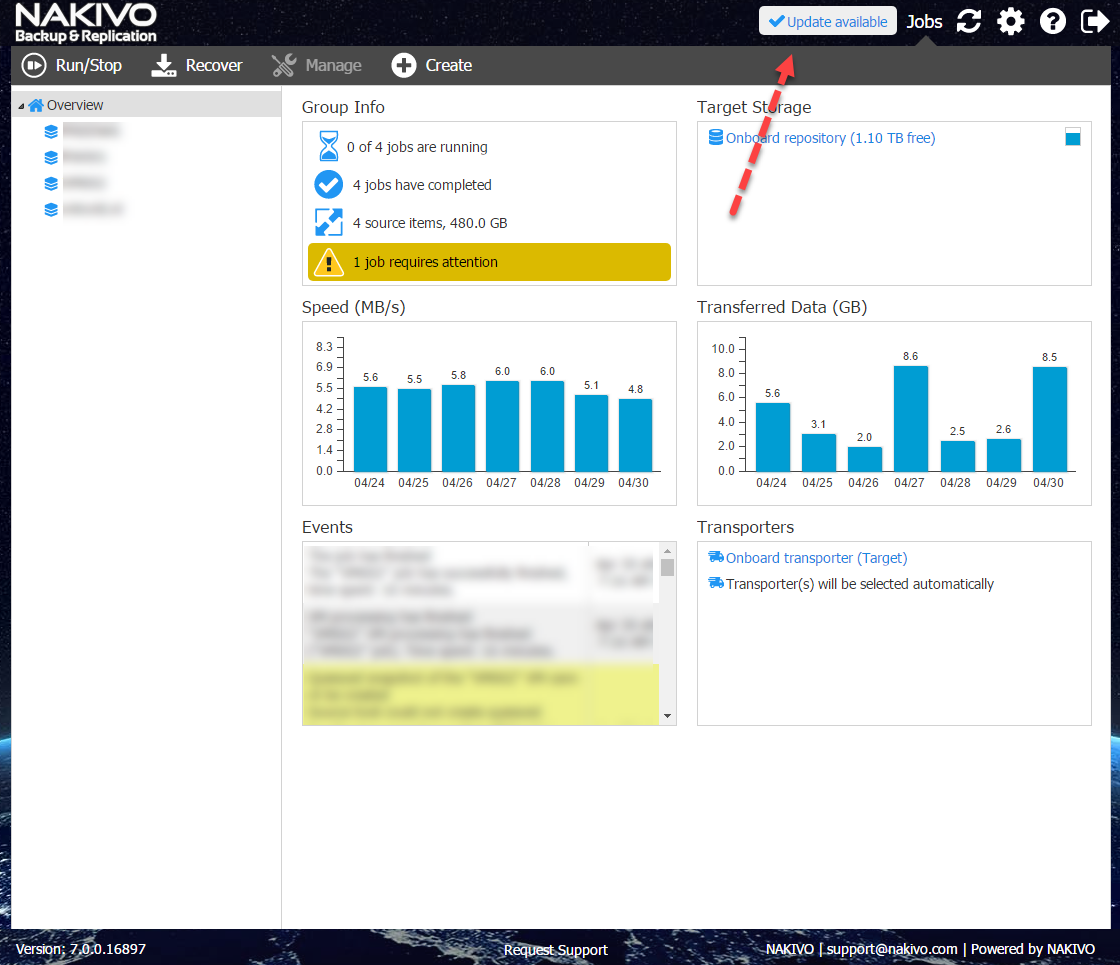
In the main interface you see a notice that there is an update available. Click on that notice :
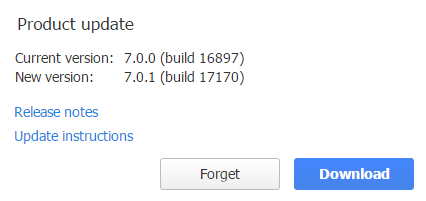
Use the download button to go to the download page.
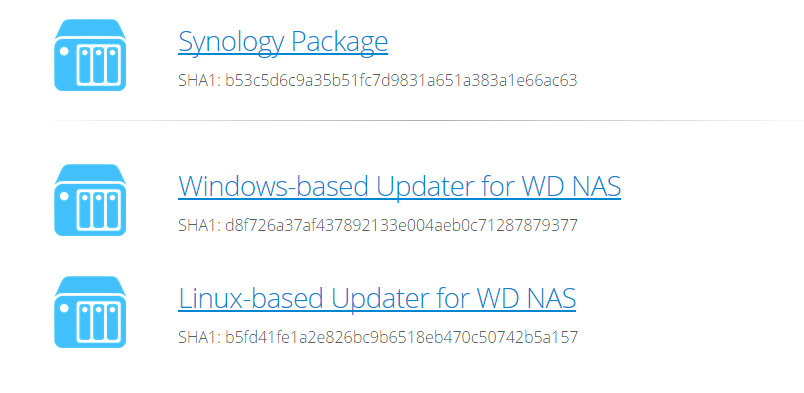
Choose your NAS vendor, in my case I choose the Synology package.
After downloading to to the Package Center of the Synology NAS:
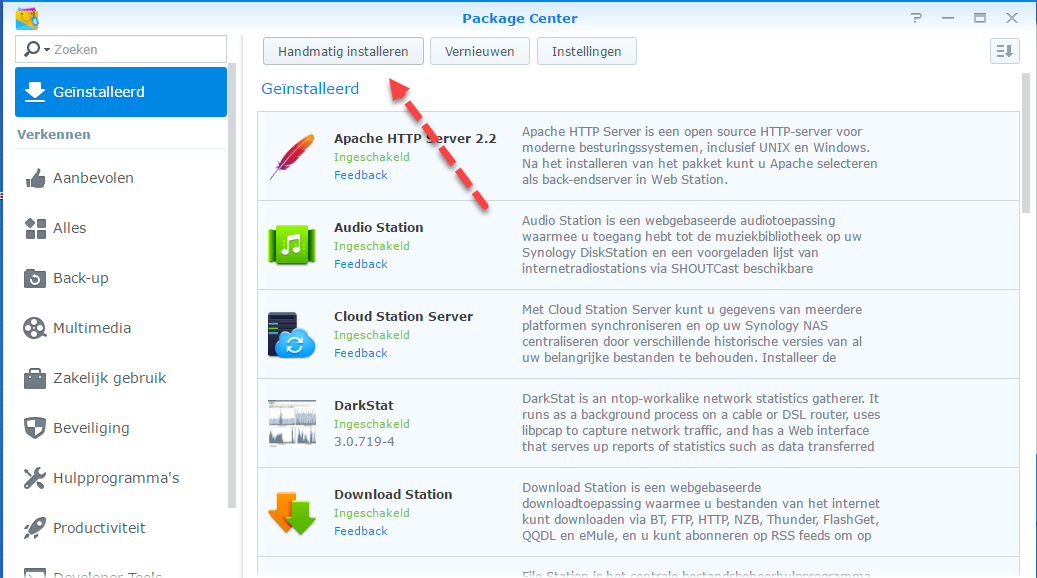
Choose the manual installation option (sorry for the Dutch language :-))
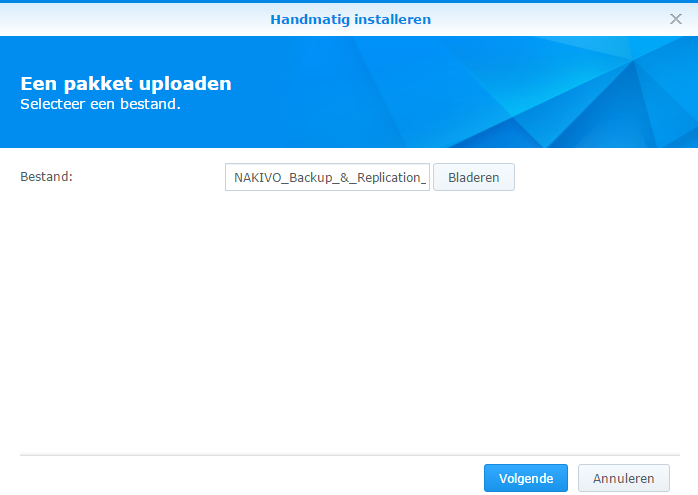
Browse to SPK (Synology Package) file and choose next
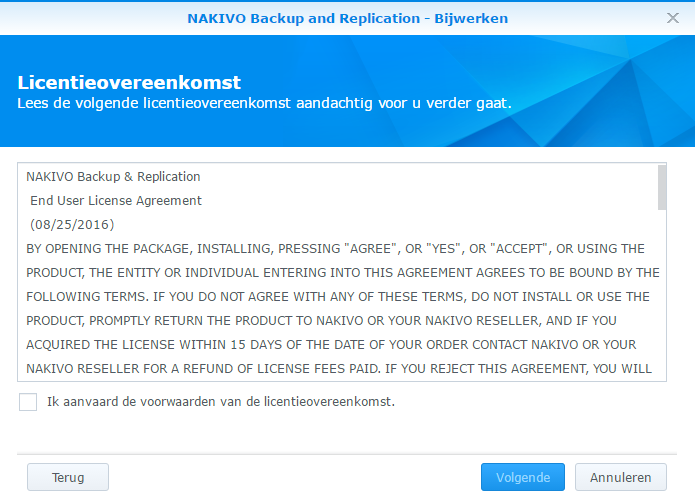
Read & accept the license agreement.
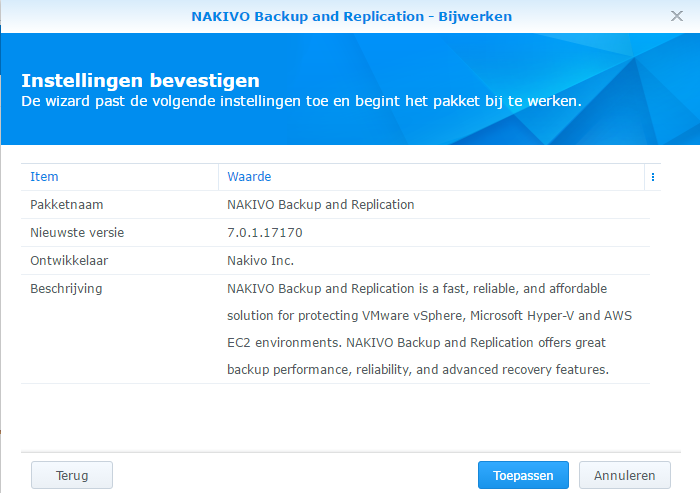
Choose to apply the update. After applying the update start NBR:

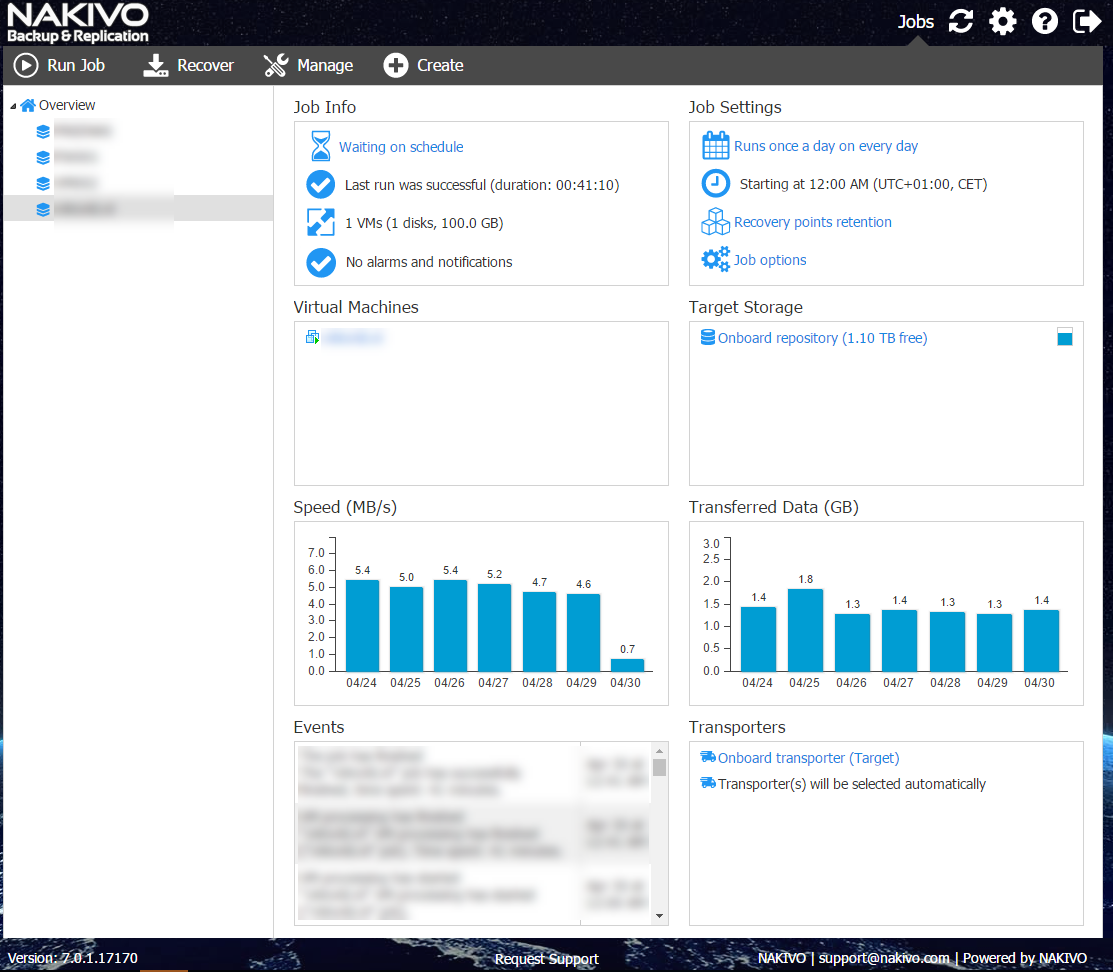
Notice the update notification is gone:
You just upgraded to the latest release of Nakivo Backup & Replication!
For more information please find the release notes here.
You see upgrading to the latest release is very easy.
