
vWorld

vWorld – Oude Doesburgseweg 89C6901 HH Zevenaar – info@vworld.nl – Kantoor: 0316-798037 – Because it’s a virtual world!

Volledige controle en beveiliging van uw apparaten, zonder zorgen

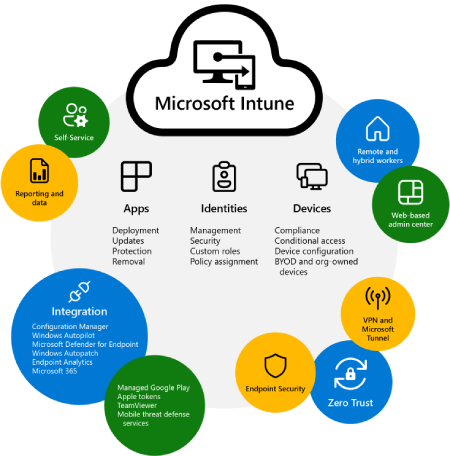
Microsoft Intune

Bij vWorld begrijpen we hoe belangrijk het is om uw IT-omgeving veilig, efficiënt en toekomstbestendig te houden. Met onze Managed Intune Services bieden we u volledige ondersteuning bij het beheer en de beveiliging van uw apparaten en applicaties, zodat u zich kunt richten op uw core business. Ons team zorgt voor een veilige en soepel functionerende Intune-omgeving, afgestemd op de specifieke behoeften van uw organisatie. Van basisconfiguratie tot grondige security checks en continue monitoring — wij bieden de expertise die uw bedrijf nodig heeft om altijd up-to-date en compliant te blijven. Laat ons uw IT-beheer transformeren en ontdek hoe onze Intune-oplossingen uw organisatie kunnen versterken!

Meer informatie

Bent u op zoek naar meer informatie over Managed Intune Services en hoe wij dit reeds voor verschillende klanten hebben ingericht? Neem een kijkje op onze blog:

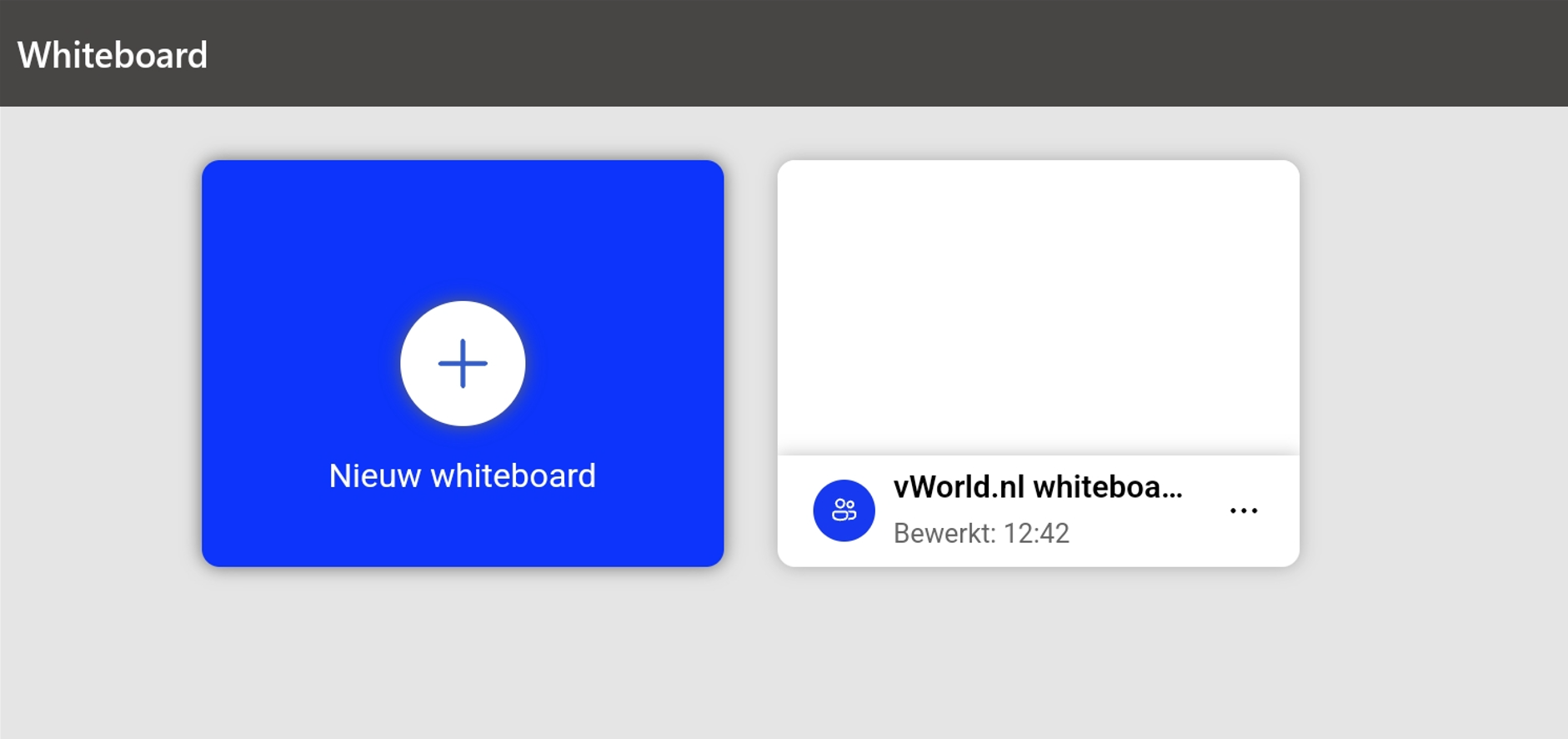
How to use your tablet as an external whiteboard for Microsoft Teams

How to use your tablet as an external whiteboard for Microsoft Teams

A picture says more than a thousand words, it is often said. That’s why I usually try to draw things during presentations and meetings. Nowadays, many laptops with a touch screen (think of the Microsoft surfaces) allow you to draw perfectly. However, my laptops sit in a docking station with the screen closed, and I […]

Lees verder… from How to use your tablet as an external whiteboard for Microsoft Teams

Troubleshooting Office (/365) made easy

A collegae asked me for my support with a strange problem using Outlook 2016 (Click 2 Run).. She randomly received errors containing running out of memory resources although there were more then enough resources available… After the default checks (update, scanpst, registry settings max cache value etc) I tried the Office 365 troubleshooting tool (C2R) […]

Lees verder… from Troubleshooting Office (/365) made easy

How to locate your missing emails (IPM_subtree)

Today I ran into a little problem. For some reason I moved all my emails from a particular folder into a unknown other folder. I could find the email(s) using the search option and found out that the specific files were located in the IPM_Subtree folder. After some investigating I found out that it was […]

Lees verder… from How to locate your missing emails (IPM_subtree)